

Please click on the link at the bottom of this page and follow these steps (screen shots below) to reset your parent portal password.
For Exeter School click ‘ISAMS’.
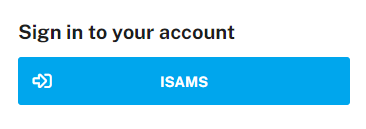
For the Exeter Pre-Prep School click ‘Login’ at the top or the menu icon on the top right and then ‘Login’ if using a mobile device.
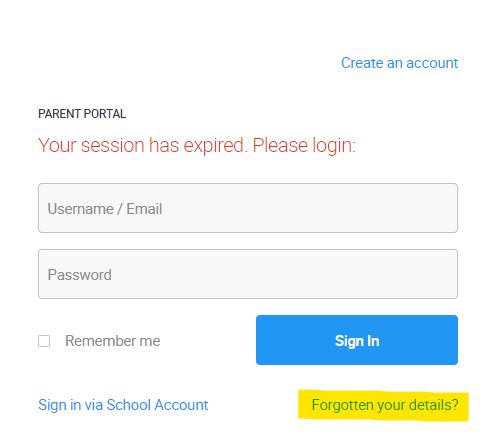
Click on the ‘Forgotten your details?’ link.
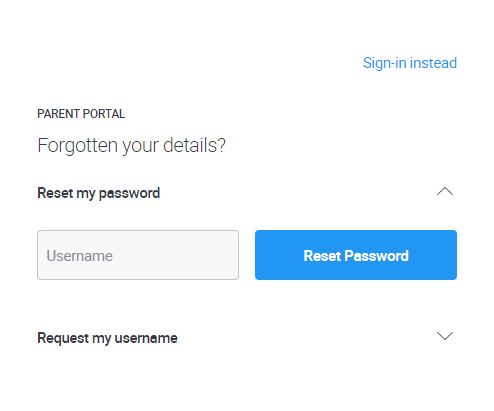
Enter your email address in the username field and click ‘Reset Password’. This email address must match the contact email address you have given the school.
If you don’t receive a password reset email, check your spam/junk folder in case it’s there. If it isn’t then please contact us